01 / x86_64
Linux
AppImage, Debian and RPM packages.
Get Linux packages Installation & system requirements CodeConvoy
A native home for your coding agents
Move your repositories
forward, together.
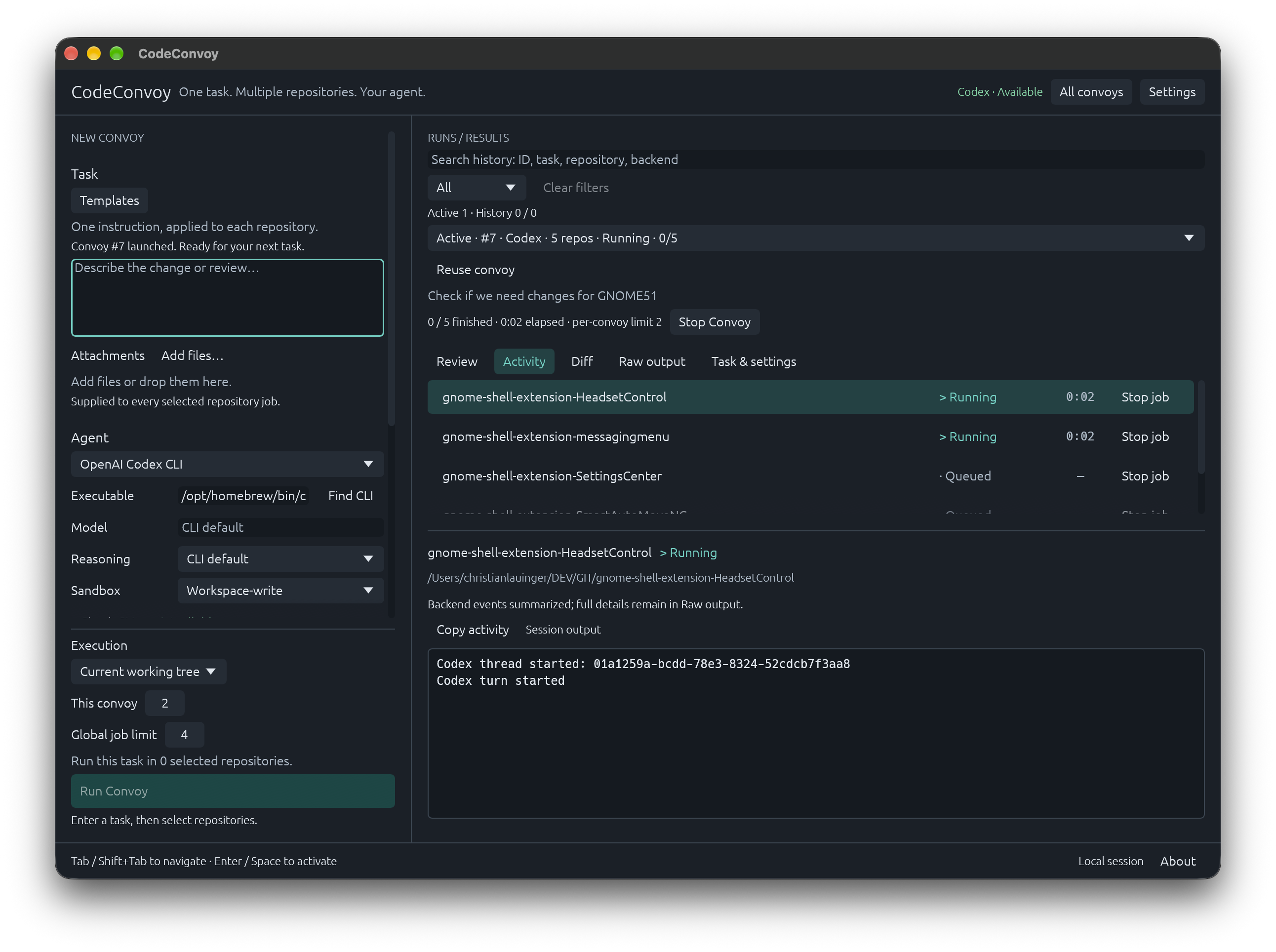
Give the same task to your local Git repositories. Choose your coding agent, set the pace, and review each result in one desktop app.
Bring the CLI you use
Your installation. Your authentication. Agent-specific settings.
Install and authenticate your chosen CLI separately. See backend compatibility and validation status
01 / The workflow
Dependency updates, documentation passes, code reviews. The work repeats; writing the task doesn’t have to.
Write your task, pick an agent, and select your local repositories. Reuse task templates and repository groups when the same work comes around again.
Review the README and fix outdated setup instructions.
Review Git state before launch. Work directly or in isolated worktrees, with a limit for each convoy and a global limit across all running jobs.
See each repository’s status, activity, diff and raw output. Inspect retained isolated changes before explicitly applying or discarding a result.
02 / Your repositories, your control
CodeConvoy coordinates the tools already on your machine. You choose the repositories, the backend permissions, and how results move forward.
Read the execution and safety details03 / Ready when you are
Pick your platform. Bring Git and an authenticated agent CLI. Start with the repositories already on your machine.
01 / x86_64
AppImage, Debian and RPM packages.
Get Linux packages Installation & system requirements02 / APPLE SILICON + INTEL
Universal disk image. Also on Homebrew.
Get macOS app Install with Homebrew03 / WINDOWS 11 · x86_64
Installer or portable ZIP. Also on Scoop.
Get Windows app Install with ScoopDownloads open the latest GitHub release with packages and SHA-256 checksums. Windows packages are unsigned; macOS is ad-hoc signed and not notarized. See platform support and first-launch notes.